
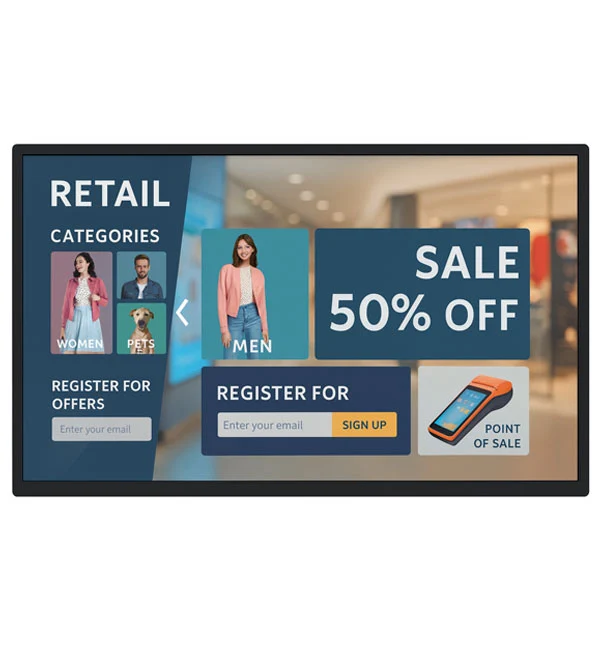
SSMC101MN
10.1-inch Android Touch Display
10.1 inch · 1280 × 800 px
Explore productThe product collection
Turn information into a conversation.
Explore the product catalogue.
Discuss your requirements for the wider range.
40 models
SSMC101MN
10.1 inch · 1280 × 800 px
Explore product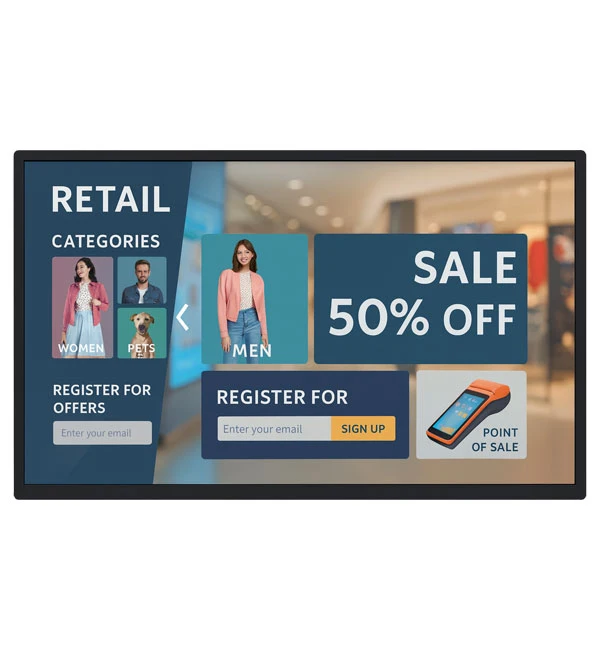
SSMT101MA
10.1 inch · 1280 × 800 px
Explore product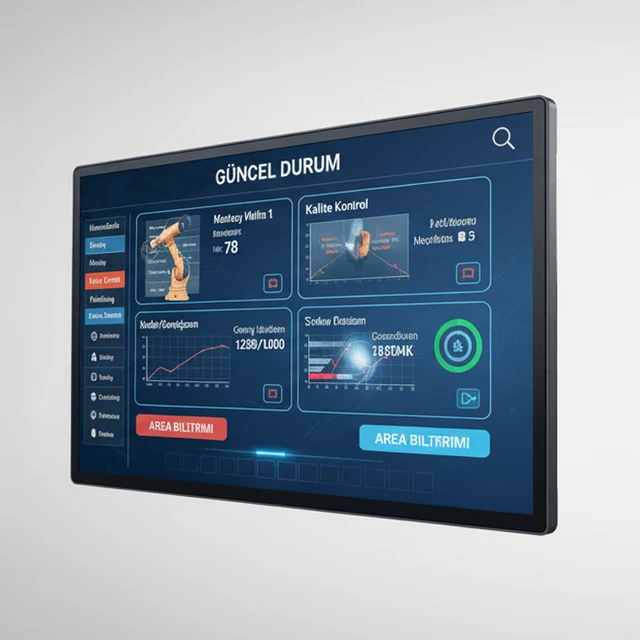
NWPA101MA
10.1 inch · 1280 × 800 px
Explore product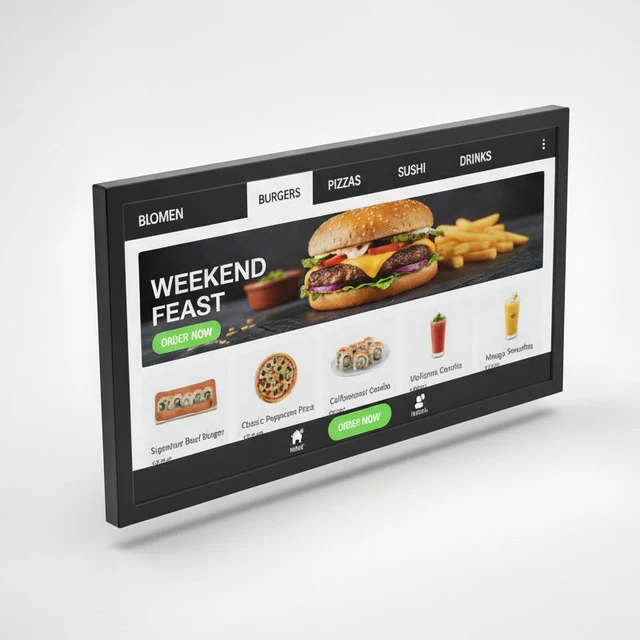
SSMC116EN
11.6 inch · 1366 × 768 px
Explore productSSMC121MN
12.1 inch · 1024 × 768 px
Explore productSSMC133EN
13.3 inch · 1920 × 1080 px
Explore productSSMC150MN
15 inch · 1024 × 768 px
Explore productSSMC156MN
15.6 inch · 1920 × 1080 px
Explore productSSMC170EN
17 inch
Explore productSSMC173EN
17.3 inch · 1920 × 1080 px
Explore productSSMC185MN
18.5 inch · 1366 × 768 px
Explore productSSMC190MN
19 inch · 1280 × 1024 px
Explore productSSMC215MN
21.5 inch · 1920 × 1080 px
Explore productSSMC238EN
23.8 inch · 1920 × 1080 px
Explore productSSMC270EN
27 inch · 1920 × 1080 px
Explore productSSMC320MN
32 inch · 1920 × 1080 px
Explore productSSMC430HN
43 inch · 1920 × 1080 px
Explore productSSMC550HD
55 inch · 3840 × 2160 px
Explore productSSMC650MD
65 inch · 3840 × 2160 px
Explore product
SSMT116EA
11.6 inch · 1366 × 768 px
Explore productSSMT121MA
12.1 inch · 1024 × 768 px
Explore productSSMT133EA
13.3 inch · 1920 × 1080 px
Explore productSSMT150MA
15 inch · 1024 × 768 px
Explore productSSMT156MA
15.6 inch · 1920 × 1080 px
Explore productShowing 24 of 40 models
Define what people need to do on screen and whether they will use it individually or in groups. Compare the documented touch technology, display size and input connections. Where the model lists an operating system, confirm the version and whether it supports the application you intend to run.
Describe how the display will be mounted, the height and reach needed for users, and whether it will connect to an existing computer. Ask which parts of the proposed setup require separate hardware, licences or integration. Check the mounting pattern and allow space for cables, access to ports and servicing before confirming the installation.
Find available model documents
Check the video connection and the interface used for touch. Provide the computer and software details so the proposed configuration can be checked.